MsgPilot
Connect with Mobile
🌐 Select Language
Turn your Excel customer and lead lists into personalized sales communication. MsgPilot helps sales teams, shops, retailers and local businesses prepare SMS and email for promotions, offers, lead follow-up, quotations, appointments, new products, inactive customers and recurring customer campaigns.
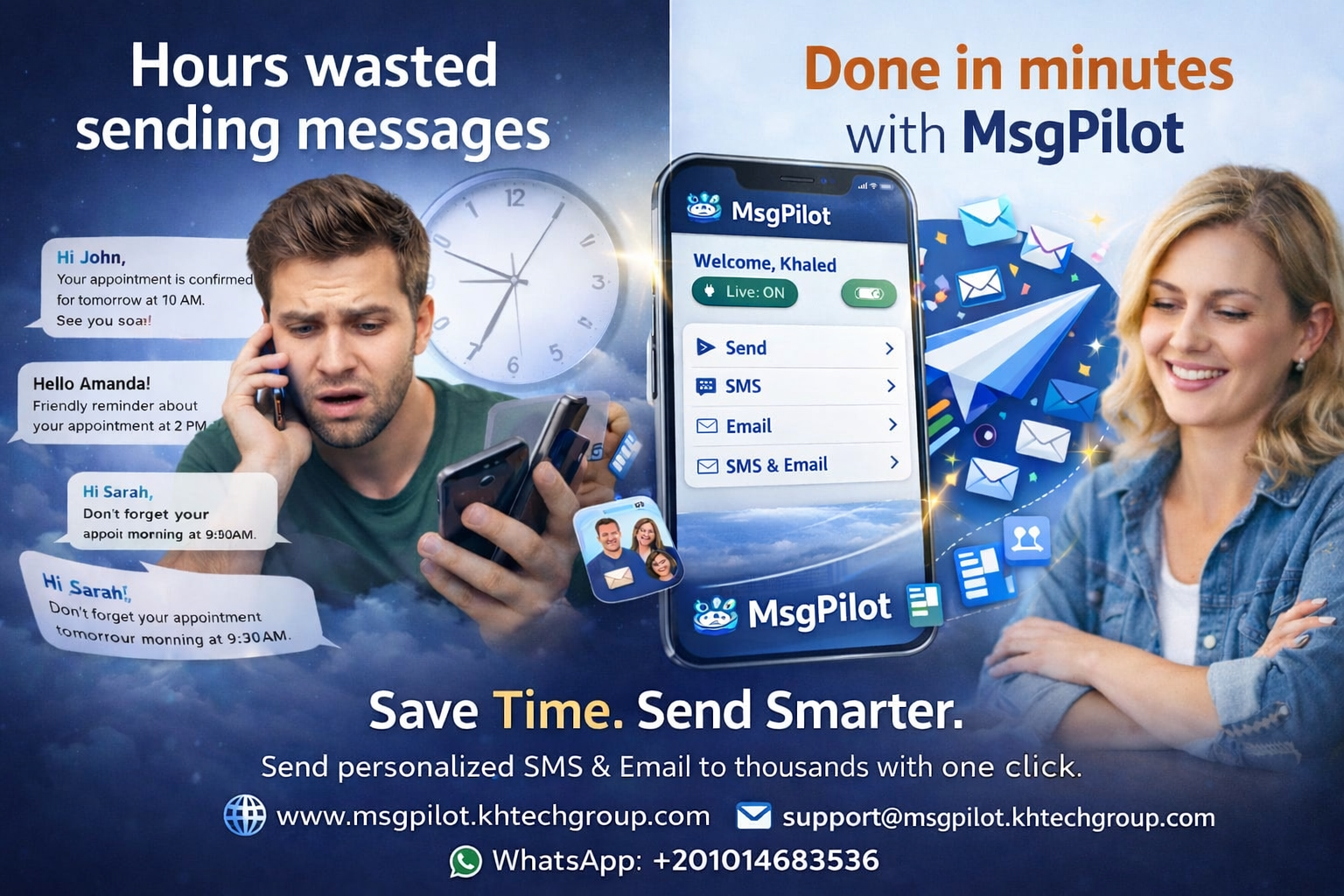
Sales communication is not limited to large corporate sales teams. Shops, retailers, showrooms, supermarkets, distributors and local businesses also need simple ways to stay connected with customers and potential customers.
Customers may be interested in different products, branches, offers, sales representatives, appointments or promotions.
MsgPilot helps businesses use structured data from Excel, CSV and contact lists to prepare personalized SMS and email without writing each message individually.
Follow up with permitted potential customers who previously asked about a product, service, quotation or offer.
Inform existing and permitted customers about shop promotions, selected products, discounts and limited-time offers.
Announce weekly deals, weekend offers, product promotions, new stock and seasonal campaigns.
Prepare short daily promotional messages for selected customers where frequent communication is appropriate and permitted.
Prepare weekly, monthly, seasonal or campaign-based customer communication.
Notify relevant customers when new products, models, collections or services become available.
Personalize offers by customer, product, category, branch, discount or expiry date.
Notify interested customers when a requested product is available again or new stock has arrived.
Follow up with customers regarding quotations, prices, proposals and validity dates.
Remind prospects about sales appointments, showroom visits, demonstrations or planned calls.
Contact permitted customers who have not purchased or interacted recently with relevant offers or updates.
Communicate loyalty benefits, repeat-purchase reminders and customer-specific promotions.
Send different offers according to branch, city, area or selected customer location.
Include the assigned representative in customer communication for clearer follow-up.
Send appropriate customer reminders about invoices, payments, installments or account follow-up.
Shops and retail businesses often depend on regular promotions to keep customers engaged.
Instead of manually contacting customers one by one, the business can maintain a structured customer list and prepare recurring promotional campaigns.
Promote selected products or limited daily offers.
Share weekly or weekend promotions with relevant customers.
Prepare monthly customer offers and recurring promotional communication.
Prepare campaigns for Ramadan, Eid, back-to-school, year-end or other relevant seasons.
Notify interested customers when new collections or new products arrive.
Communicate promotions with a clear expiry date.
Many shops and sales teams already maintain customer or lead information in Excel, CSV or CRM exports.
| Name | Mobile | Product | Category | Branch | Offer | Expiry | Sales Rep | |
|---|---|---|---|---|---|---|---|---|
| Ahmed | +20XXXXXXXXXX | ahmed@example.com | Smart TV | Electronics | Nasr City | 15% Off | 30 Sep | Mahmoud |
| Sara | +20XXXXXXXXXX | sara@example.com | Coffee Machine | Home Appliances | Maadi | Special Price | 5 Oct | Omar |
Hello @{Name}, today's offer at @{ShopName}: @{Product}. Special Price: @{OfferPrice}. Valid until: @{ExpiryDate}. Visit us at @{Branch}.
Hello @{Name}, our @{CampaignName} promotion is now available. Get @{Discount} off selected @{Category} products until @{ExpiryDate}. Branch: @{Branch}.
Prospects often ask about a product and then postpone the purchase.
When appropriate and permitted, structured lead data can help the sales team reconnect with those potential customers when the product, price or offer changes.
Hello @{Name}, you recently asked about @{Product}. It is now available at @{Branch}. Current offer: @{Offer}. For more information, contact @{SalesRep}.
Notify interested customers when a new model, product or collection is introduced.
Inform customers who previously asked about an unavailable item.
Tell customers which branch currently has the requested item.
Remind interested customers before a relevant promotion ends.
Hello @{Name}, this is a follow-up regarding quotation @{QuotationNo} for @{Product}. Amount: @{Amount}. Valid until: @{ValidUntil}. Your sales representative is @{SalesRep}.
Existing customers who have not purchased recently may still be interested in a relevant product, service or promotion.
Businesses can prepare permitted re-engagement campaigns using information such as previous product category, branch, last purchase date or customer group.
Hello @{Name}, we have new offers available in @{Category}. Visit @{Branch} before @{ExpiryDate} to see the latest promotion.
Structured customer lists can help businesses prepare more relevant communication for different customer groups.
Promotions, offers, new products and repeat customer communication.
Weekly offers, seasonal campaigns, selected product promotions and announcements.
Product inquiries, appointments, offers and lead follow-up.
Product availability, reseller communication, offers and sales follow-up.
Price updates, stock notices, periodic offers and customer communication.
Customer follow-up, product availability and permitted promotional communication.
Vehicle inquiries, test drives, quotations, new models and offers.
New devices, stock arrivals, accessories and price promotions.
New collections, seasonal promotions and repeat customer campaigns.
Offers, showroom appointments, product follow-up and campaigns.
New products, promotions, customer offers and repeat-purchase communication.
Lead follow-up, quotations, account communication and pipeline support.
SMS can be useful for concise, time-sensitive promotions, offer expiry reminders, appointments and customer follow-up.
For SMS campaigns, the Android phone and SIM remain the actual sender.
MsgPilot does not require purchasing SMS credits from MsgPilot. Your mobile operator's charges, limits and policies may apply.
Email can support longer promotions, product information, quotations, campaign details and supported attachments.
Where appropriate, email campaigns may include common material such as quotations, brochures, product information or promotional documents.
For supported MsgPilot Web Email campaigns:
Maximum 1 MB per attachment.
Maximum 3 attachments per campaign.
Lead lists, customer databases, product information and quotations are often maintained on office computers.
MsgPilot Web/PC connection allows supported SMS and email campaign preparation from a browser.
For SMS, the connected Android phone remains responsible for actual delivery through its SIM.
Use Excel, CSV, supported contacts or manual recipient entry.
Include product, branch, offer, discount, expiry or sales representative.
Prepare one SMS or email and insert dynamic fields.
Check recipient information, offers and personalized content.
Start the permitted sales or promotional campaign.
Review available campaign progress and message history.
Work with customer and lead data already maintained in Excel or CSV.
Insert customer names, products, offers, branches and expiry dates dynamically.
Avoid manually preparing similar messages for every customer.
Useful for daily, weekly, monthly and seasonal promotions.
For SMS campaigns, your Android phone remains the actual SMS sender.
Work with customer lists and supported campaigns from a browser.
MsgPilot should be used only for legitimate and permitted customer communication.
Businesses should avoid unsolicited promotional messaging and should contact recipients only where they have appropriate permission or another lawful basis.
Promotional frequency should also be appropriate. Sending excessive daily messages can annoy customers, increase opt-outs and may conflict with local communication rules or mobile operator policies.
Users remain responsible for recipient consent, privacy, customer data protection, applicable anti-spam requirements and mobile operator policies.
Yes. MsgPilot supports structured recipient data and dynamic fields so customer names, products, branches, offers and expiry dates can be inserted into personalized SMS or email.
MsgPilot can be used to prepare daily or periodic campaigns where such communication is appropriate and permitted. Businesses should avoid excessive messaging and respect recipient preferences.
Yes. Supermarkets and retailers can prepare weekly, weekend, seasonal or product-specific campaigns for permitted recipients.
Yes. Where contact is permitted, lead information such as product interest, offer, branch and assigned sales representative can be used in personalized follow-up.
Yes. Product, branch, availability and current offer information can be inserted dynamically.
Yes, where the communication is permitted. Customer groups can be prepared using data such as previous product interest, last purchase, branch or category.
MsgPilot does not require purchasing SMS credits from MsgPilot. For SMS campaigns, your Android phone sends through its SIM. Your mobile operator's charges, limits and policies still apply.
Supported MsgPilot Web Email campaigns can include up to 3 attachments, with a maximum size of 1 MB per attachment.
Yes. MsgPilot Web/PC supports campaign preparation from a browser. For SMS campaigns, the Android phone remains the actual sender through its SIM.
Use your existing lead and customer data to prepare personalized SMS and email for promotions, offers, new products, quotations, follow-up, appointments and recurring sales campaigns.
Member notices, renewals, meetings and organizational communication.