MsgPilot
Connect with Mobile
🌐 Select Language
MsgPilot helps education teams use existing student, parent and trainee data to prepare personalized SMS and email for attendance, schedules, exams, fees, results, training, reminders, announcements and administrative communication.
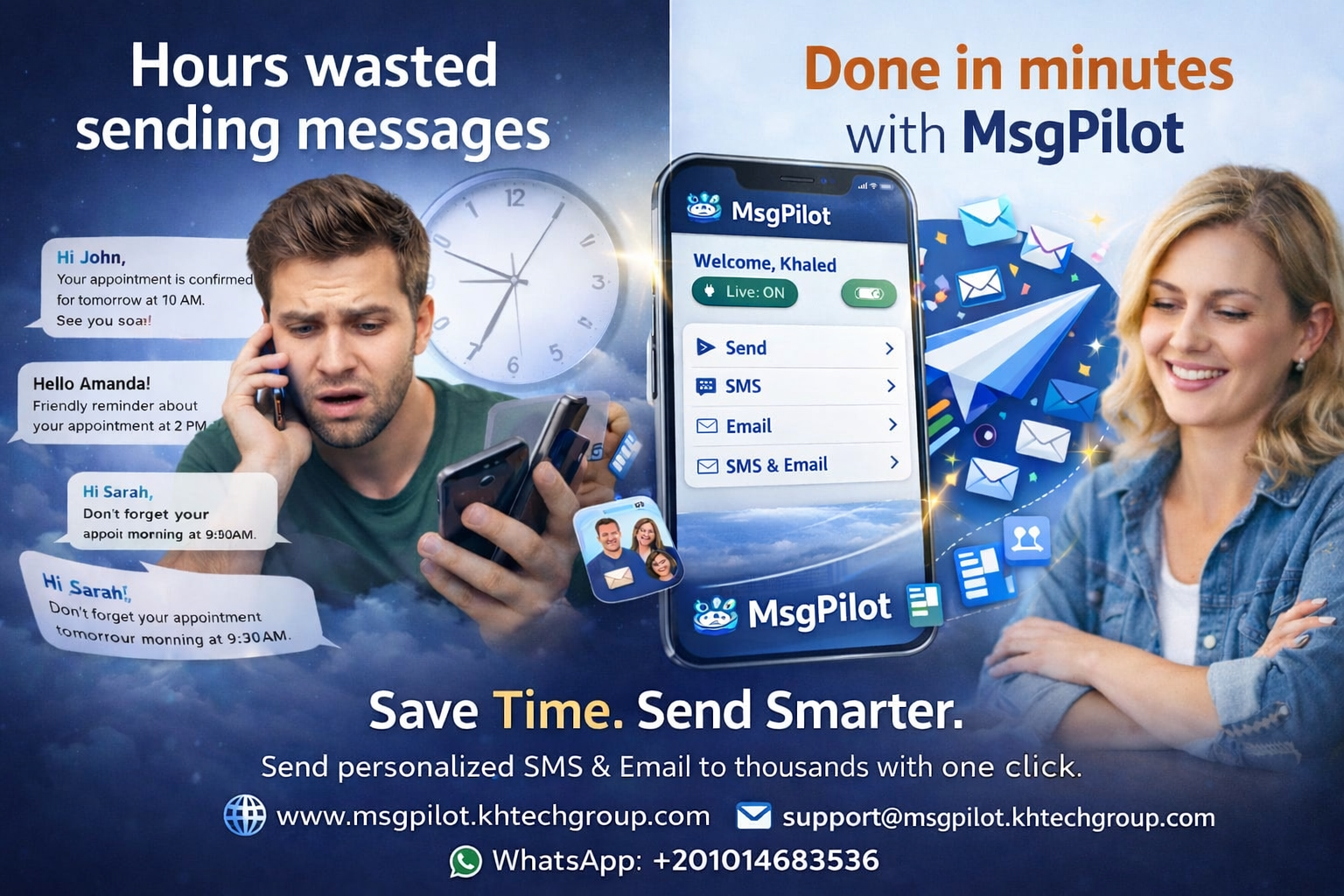
Schools, universities and training centers regularly communicate with students, parents, trainees, instructors and administrative teams.
Many of these messages are similar, but important details such as student name, class, course, date, time, amount, room or reference may be different for each recipient.
MsgPilot helps education teams use structured data from Excel or CSV to prepare personalized communication without writing each message manually.
Inform parents or students about attendance, absence, lateness or attendance-related follow-up.
Send exam dates, times, rooms, subjects and important preparation instructions.
Send permitted tuition, installment or payment reminders with personalized amounts, dates and student references.
Notify students or trainees about schedules, timetable changes, locations and session details.
Send permitted notifications about result availability, academic status or required next steps.
Send course invitations, training dates, locations, trainer information and required preparation.
Communicate approved school, university or training-center instructions and administrative announcements.
Send urgent information about closures, timetable changes, transport, weather-related changes or important events.
Request missing forms, IDs, certificates or other required documents.
Remind students about assignments, projects, registration deadlines or required submissions.
Send approved transport schedules, route changes, pickup information or related operational notices.
Notify students and parents about events, meetings, activities, workshops and institutional programs.
Education institutions often already maintain student information in Excel or CSV.
| Student | Student ID | Mobile | Parent Mobile | Class / Course | Group | |
|---|---|---|---|---|---|---|
| Ahmed | ST-1001 | +20XXXXXXXXXX | +20XXXXXXXXXX | ahmed@example.com | Grade 10 | A |
| Sara | ST-1002 | +20XXXXXXXXXX | +20XXXXXXXXXX | sara@example.com | Grade 11 | B |
Attendance communication can use student-specific information from the imported list.
Dear Parent, @{StudentName} was marked absent from @{Class} on @{Date}. Please contact the administration if clarification is required.
Hello @{StudentName}, your @{Subject} exam is scheduled on @{Date} at @{Time} in room @{Room}. Please arrive on time.
Where permitted, education institutions can use structured financial data to prepare individual reminders.
Hello @{Name}, payment of @{Amount} for @{StudentName} is due on @{DueDate}. Student ID: @{StudentID}. Please contact the administration if already paid.
Hello @{Name}, your @{CourseName} session is scheduled on @{Date} at @{Time} in @{Location}. Trainer: @{Trainer}.
Structured data can help institutions prepare communication for selected groups instead of sending every message to everyone.
SMS can be useful for concise, time-sensitive communication such as exam reminders, attendance notices, schedule changes and urgent announcements.
For SMS campaigns, the Android phone and SIM remain the actual sender.
Email can be used for longer academic or administrative communication, detailed instructions and supported attachments.
Education emails may include common documents such as schedules, instructions, forms, course information or event material.
For supported MsgPilot Web Email campaigns:
Maximum 1 MB per attachment.
Maximum 3 attachments per campaign.
Student lists, schedules and administrative information are usually managed from office computers.
MsgPilot Web/PC connection allows supported SMS and email campaign preparation from a browser.
For SMS, the connected Android phone remains responsible for actual sending through its SIM.
Use Excel, CSV, supported contacts or manual recipient entry.
Use student, parent or trainee information required for the communication.
Prepare one SMS or email and add dynamic fields.
Check recipient information and personalized content before sending.
Send the permitted student, parent or trainee communication.
Review available campaign progress and message history.
Student and parent reminders, attendance, fees, exams, events and school notices.
Course notices, exam schedules, registration reminders and administrative communication.
Course schedules, attendance, payments, training reminders and certification communication.
Course reminders, webinar schedules, registration information and participant communication.
Training programs, assessment dates, schedules and participant notices.
Internal course invitations, schedules and employee training reminders.
Incorrect recipient information can cause messages to reach the wrong student or parent.
Before starting a campaign, verify names, mobile numbers, email addresses, classes, courses, student IDs, dates and other personalized fields.
This is particularly important when messages contain financial, attendance or academic information.
Education records may contain personal, academic and financial information.
Institutions should use only the information necessary for the intended communication and protect recipient lists from unauthorized access.
Additional care may be required where recipients are children or minors.
MsgPilot should be used only for legitimate and permitted educational, administrative and organizational communication.
Institutions remain responsible for recipient permissions, privacy, student data protection and applicable communication requirements.
Mobile operator policies and relevant anti-spam or electronic communication requirements may also apply.
Yes. MsgPilot supports structured recipient data and dynamic fields so information from supported Excel or CSV workflows can be inserted into personalized SMS or email.
Yes. Where permitted, student name, date, class and attendance information can be used in personalized communication.
Yes. Fields such as subject, exam date, time, room and class can be stored in the imported data and inserted dynamically.
Yes. Where permitted, fields such as amount, due date, student ID and reference can be used in personalized reminders.
Yes. Training centers can use supported SMS and email workflows for schedules, reminders, attendance, payments and administrative communication.
Supported MsgPilot Web Email campaigns can include up to 3 attachments, with a maximum size of 1 MB per attachment.
Yes. MsgPilot Web/PC supports campaign preparation from a browser. For SMS campaigns, the Android phone remains the actual sender through its SIM.
Use your existing student or trainee data to prepare reusable personalized SMS and email for attendance, exams, fees, schedules, training, announcements and other permitted education communication.
Payroll, employee notifications, HSE, shifts, training and recruitment.
Member reminders, notices and administrative communication.