
MsgPilot
Connect with Mobile
🌐 Select Language
Prepare and manage your MsgPilot campaigns from your computer using the Web/PC connection. Create messages, work with recipient lists, and manage supported SMS and email campaigns from a larger screen while your Android phone stays connected.
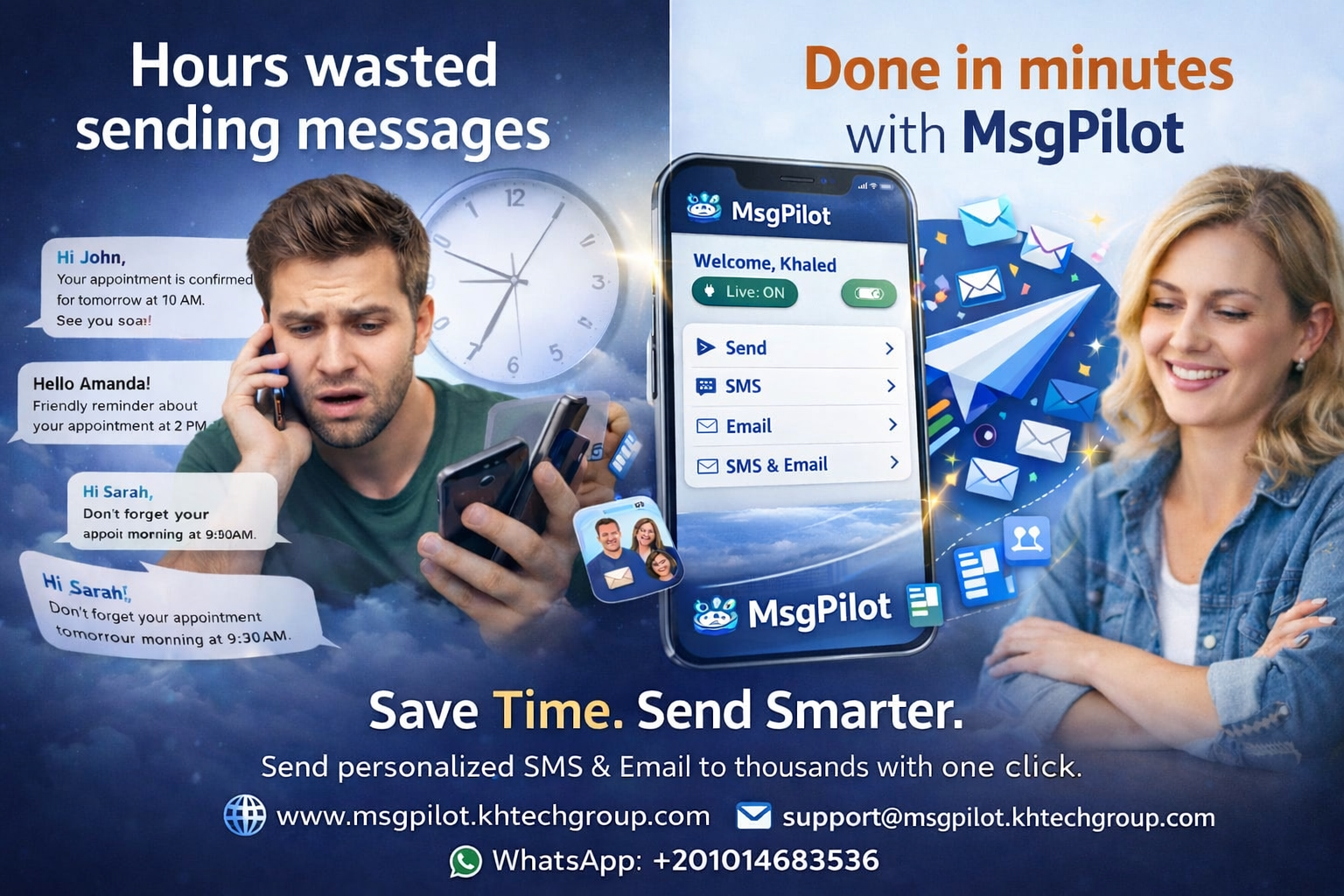
MsgPilot Web/PC Connection is designed to make campaign preparation easier when you prefer working from a desktop or laptop.
Instead of preparing everything only on the phone, you can use your browser and computer screen for supported campaign preparation and management.
The Web/PC connection does not turn your computer into an independent SMS gateway.
When sending SMS, the Android phone remains responsible for the actual SMS delivery through the SIM installed in the device.
Write and review longer SMS or email content using a full keyboard and larger screen.
Work more comfortably with Excel, CSV and structured recipient information on your computer.
Review campaign information and message content using a larger desktop view.
Even when working from your computer, SMS remains connected to your Android device and mobile SIM.
Use the connected workflow for supported SMS and email campaign preparation.
Use the MsgPilot Web/PC interface from your browser without requiring a separate desktop installation.
To use the Web/PC connection, open MsgPilot on your Android device and follow the connection steps inside the application.
Then open the MsgPilot Web page from your computer:
The web interface connects to your MsgPilot account and connected Android device so supported campaigns can be prepared and managed from the computer.
Open MsgPilot on your Android device and connect it to the Web/PC interface.
Import or prepare the contact list required for your supported campaign.
Write your SMS and use supported personalization fields where required.
Check your recipients and campaign content before sending.
Send the campaign through the connected MsgPilot Android device.
The connected phone performs the actual SMS delivery using its installed SIM.
MsgPilot supports dynamic fields so you can use one message template while inserting recipient-specific information from your imported data.
Hello @{Name}, your appointment is on @{Date} at @{Time}. Reference: @{Reference}.
Each recipient can receive their own personalized information without manually writing separate messages.
MsgPilot also supports email campaign preparation, allowing you to work with recipient information, templates and personalized fields from your computer.
This is especially useful when your email content is longer, includes multiple personalized fields, or needs attachments.
For MsgPilot Web Email campaigns, the current attachment limits are:
Maximum 1 MB per attachment.
Maximum 3 attachments per campaign.
Not every campaign requires an Excel file.
For small recipient groups, you can also prepare supported recipient information manually instead of creating a full spreadsheet.
This can be practical when you only need to contact a few people with the same message while still managing the campaign from your computer.
Prepare candidate messages and email communication from a desktop while maintaining structured recipient data.
Prepare student, parent and course notifications using lists maintained on office computers.
Manage permitted employee, customer, supplier and operational communication from an office PC.
Prepare appointment, service, payment and status notifications using customer information.
Manage permitted communication with leads and customers from existing office contact lists.
Prepare member announcements, reminders and other administrative communication from a computer.
MsgPilot Web/PC connection is designed to work through the browser.
This means you do not need a separate Windows desktop installation simply to access the Web/PC interface.
Open the MsgPilot website, connect your mobile device, and use the supported web features from your computer.
The Web/PC connection is intended to work with your MsgPilot account and authorized Android device.
Always connect from computers and browsers you trust, especially when working with customer, employee or other business contact information.
Avoid leaving an active session open on shared or public computers.
Working from the computer does not bypass your mobile network operator's rules.
SMS charges, plan limits, fair-use policies, anti-spam controls, SIM restrictions and other operator conditions still apply because the Android phone and SIM perform the SMS sending.
Check your mobile plan and operator terms before sending large SMS campaigns.
MsgPilot should be used for legitimate business, organizational and professional communication.
Only contact recipients you are permitted to message. Depending on your location and communication purpose, consent or another lawful basis may be required.
Users remain responsible for complying with applicable privacy requirements, anti-spam regulations, mobile operator policies and other local requirements.
You can prepare and manage supported SMS campaigns from the MsgPilot Web/PC interface. The connected Android phone remains responsible for the actual SMS delivery.
No. For SMS campaigns, the computer manages the connected workflow while the Android phone and its SIM perform the actual SMS sending.
The MsgPilot Web/PC connection is browser-based, so a separate desktop application is not required for the web interface.
MsgPilot supports structured recipient data and workflows using supported Excel and CSV files.
Yes. Dynamic fields can be used with imported recipient information so individual messages can contain personalized data.
Yes. MsgPilot Web/PC supports email campaign preparation alongside supported SMS workflows.
For SMS sending through the Web/PC connection, the Android phone must remain available and connected because it performs the actual SMS delivery through its SIM.
Prepare SMS and email campaigns from your browser, work with recipient data on a larger screen, and keep your Android phone connected for SMS sending.
Import spreadsheet information and automatically personalize SMS for each recipient.
Learn how MsgPilot uses your Android phone and SIM as the actual SMS sender.
Prepare personalized emails using imported recipient information and dynamic fields.